
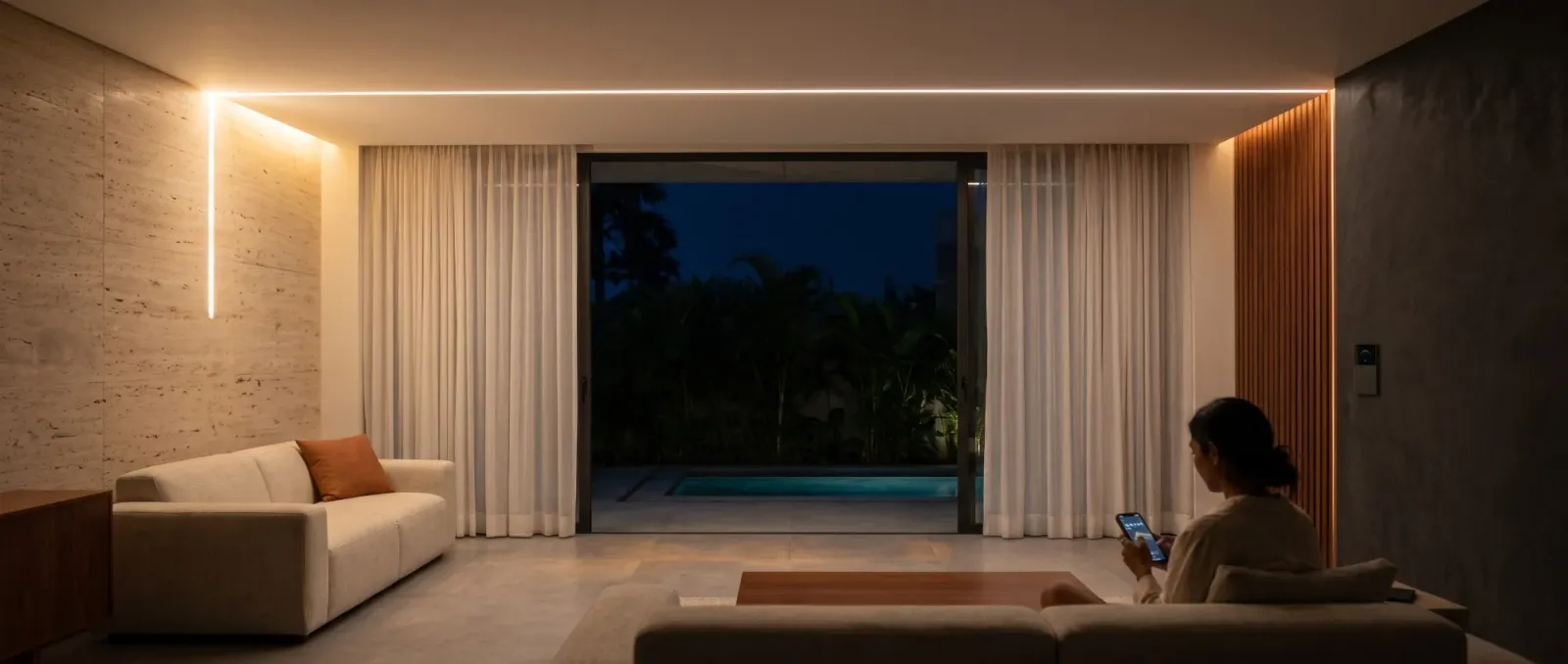
From any screen
Open it from wherever you are in the app and write to it.
You write to it as you would to a person. It does what you ask in your home and tells you what it has done. Included in Dommux+ plans.
No memorized commands: you type what you want and Lux does it in your home.
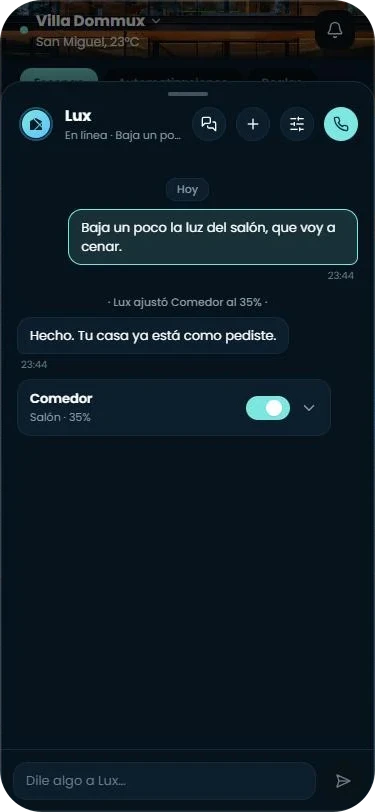
Villa Dommux, demonstration home.

Lux doesn't wait for you to write: it monitors the home in real time and, if something goes wrong, acts on its own and alerts you on your phone.
If it detects water, it closes the valve. With smoke, gas or carbon monoxide, it cuts the gas, raises the shade and lights the way out. In strong wind, it retracts the awnings, and if a plug spikes, it tells you which one. These are just a few examples.
It complements your alarm, it does not replace it, and it never opens or closes a lock.
It doesn't depend on what you tell it: the server prevents it.
Open it from wherever you are in the app and write to it.
As in a chat: rename them and delete them whenever you want.
How much humor, how much detail and how much initiative, and how formally it speaks to you.
It is your property's intelligence: an artificial intelligence assistant that you write to from the app and that acts on your home within safety limits.
To switch on or adjust lights, shades and climate, to create and launch scenes, to set timers, schedules and alerts, to tell you the weather or to keep your lists and your appointment book.
No. In your home, the server prevents it, no matter how you ask. Locks, access and the alarm are handled from the app, with your confirmation.
Your home does: devices, scenes and the usual push buttons keep working. Lux needs a connection to converse, because it thinks with an artificial intelligence model from an external provider.
To reply to you, what you write to Lux and the state of your devices at that moment are sent to an external artificial intelligence provider, which processes it outside El Salvador. The conversation history is stored on the Dommux server and deleted automatically after 30 days, or earlier if you delete it. The memories, lists and appointments you ask it to save are kept until you delete them. Lux does not see the video from your cameras. More detail in the privacy policy.
Today, in a real property, Lux converses with its owner; everyone else manages their own things from the app.
It is included in Dommux+ plans; it is not sold separately. See the plans under services.